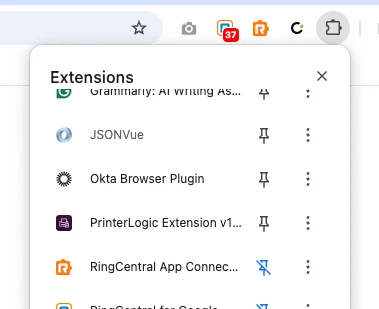
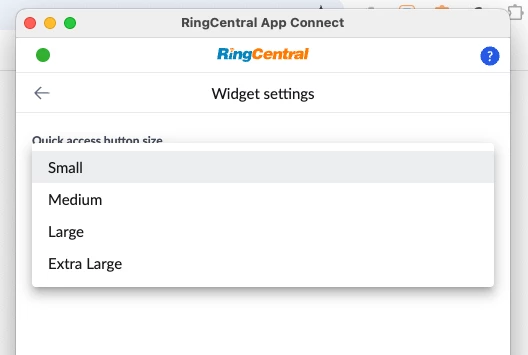
Good afternoon, We have a few users that are having issue with Ring Central app Connect extension in Bullhorn. The icon showed up when they first logged into bullhorn. However after 1 or 2 calls, the icon disappeared. They had to close and reopened browser for the icon to show up again. The issue is happening in both Google Chrome and Edge. Below is what I did.
• Uninstalled and reinstalled the App Connect extension.
• Tested on a different browser (Google Chrome)
• Refreshed the Chrome extension to ensure it’s running the latest version (v1.1.4 or higher)
• Disabled or removed other browser extensions.
• The Ring App Connect was still running after two calls but the icon when I hovered my mouse over was not there. I couldn’t initiate a call since the icon was no longer there.
Any advice is greatly appreciated. Thank you