


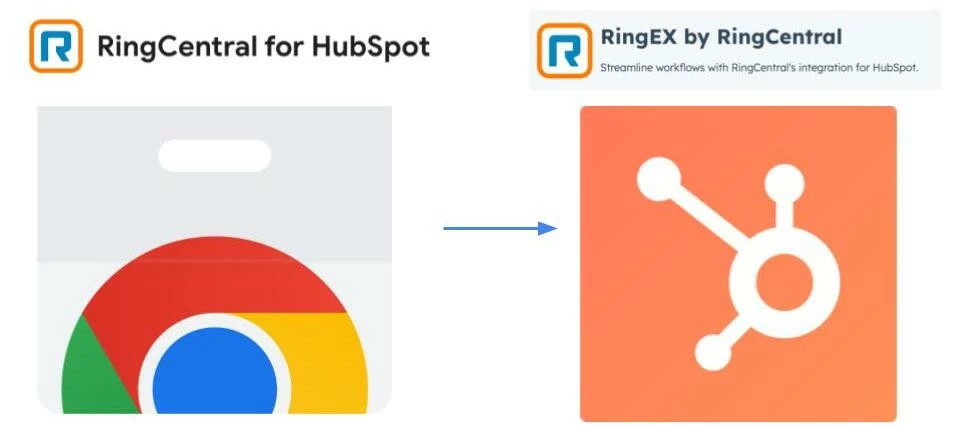

Why Migrate?
The new RingCentral for HubSpot integration offers a fully native experience, allowing you to make calls, log activities, and manage communications directly within HubSpot—without relying on a browser extension. Key benefits include:
✅ Seamless Integration – Stay within HubSpot’s ecosystem without switching tabs.
✅ Automatic Call Logging – No more manual data entry—calls are logged instantly.
✅ Better Performance & Stability – Avoid browser limitations and extension compatibility issues.
✅ Company-Wide Deployment – Once installed by an admin, it’s available to all users.
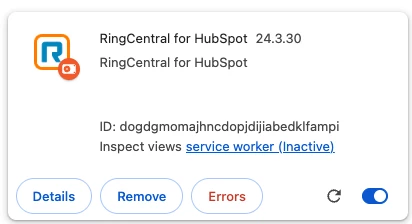
Step 1: Uninstall the RingCentral for HubSpot Chrome Extension
- Open Google Chrome.
- Click on the three-dot menu (⋮) in the top-right corner.
- Navigate to Extensions > Manage Extensions.
- Locate the RingCentral Chrome Extension.
- Click Remove and confirm deletion.
🔹 Tip: Restart Chrome to ensure the extension is fully removed.
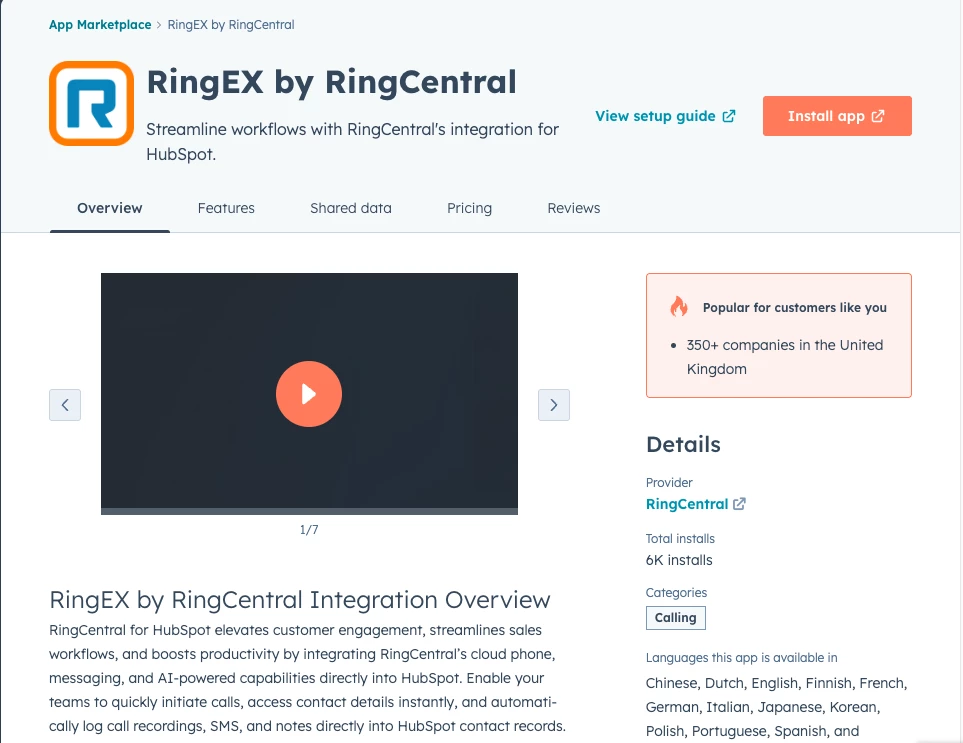
Step 2: Install the RingCentral for HubSpot Integration
For Admins: Installing for All Users
- Go to the HubSpot App Marketplace:
- In HubSpot, click the settings gear ⚙️ in the top-right corner.
- Navigate to Marketplace > App Marketplace.
- Search for RingCentral and select the integration.
- Click Connect App and sign in with your RingCentral credentials.
- Grant necessary permissions and authorize the integration.
- The integration will now be installed for all users in your HubSpot account.
📌 Important: End users do not need to install anything—they just need to select RingCentral as their calling provider.
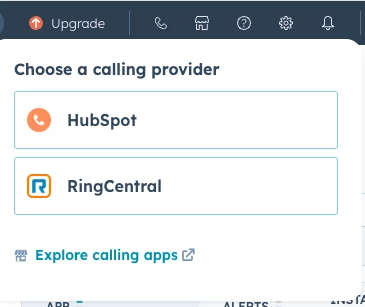
Step 3: End User Setup – Selecting RingCentral as the Calling Provider
- Click on the phone icon in the toolbar
- Choose Calling Provider > Select RingCentral
- Sign in with your RingCentral account if prompted.
- Start making calls directly from HubSpot!
🔹 Tip: Make a test call to ensure everything is working correctly.