


The Self-Help Toolkit: 5 Self-Help Resources You Need to Know!

Ready to save time and master your tools? Dive into our expert guide to RingCentral success. Whether you’re a seasoned pro or just getting started, there is a wealth of tools at your fingertips designed to simplify your workflow.
To help you get the most out of your experience, we’ve rounded up five powerhouse resources that will turn you into a RingCentral expert in no time. Check out these resources and unlock your RingCentral account’s full potential!
🎓 RingCentral University: Master the Platform at Your Own Pace
Think of RingCentral University as your personal masterclass. It’s packed with free, self-paced training modules tailored to your specific role—whether you're an end-user or an IT admin
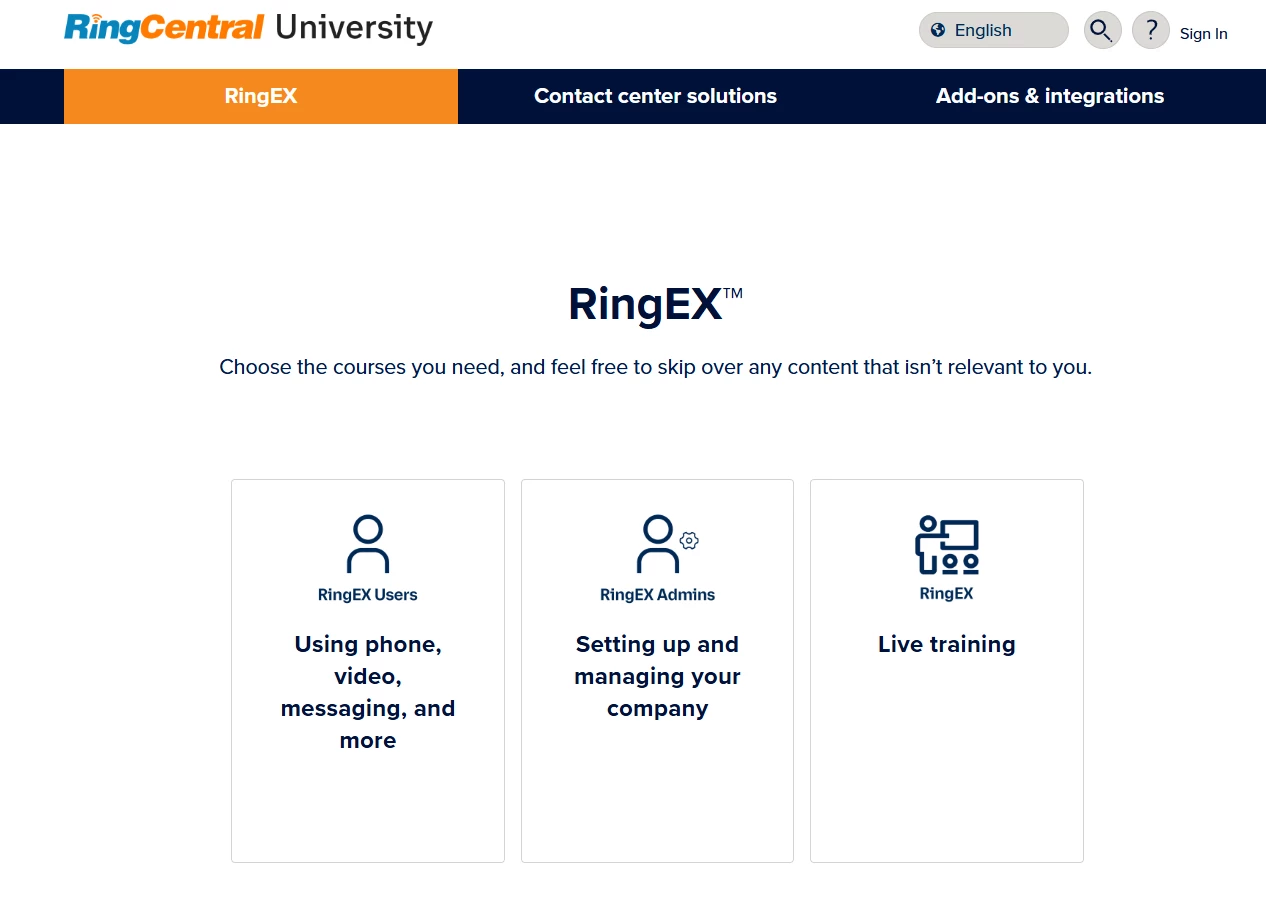
Pro-Tip: RingCentral University makes it easy to learn your way—start by choosing your product line, then explore courses, lessons, and live webinars that match your role and goals.
Not sure where to begin? Our Getting Started courses are always a great place to jump in.
Where to find it: university.ringcentral.com
🛠️ RingCentral Support: Your 24/7 Knowledge Hub
The Support Site is much more than just a place to open tickets. It’s a massive library of step-by-step guides, troubleshooting articles, and system status updates.
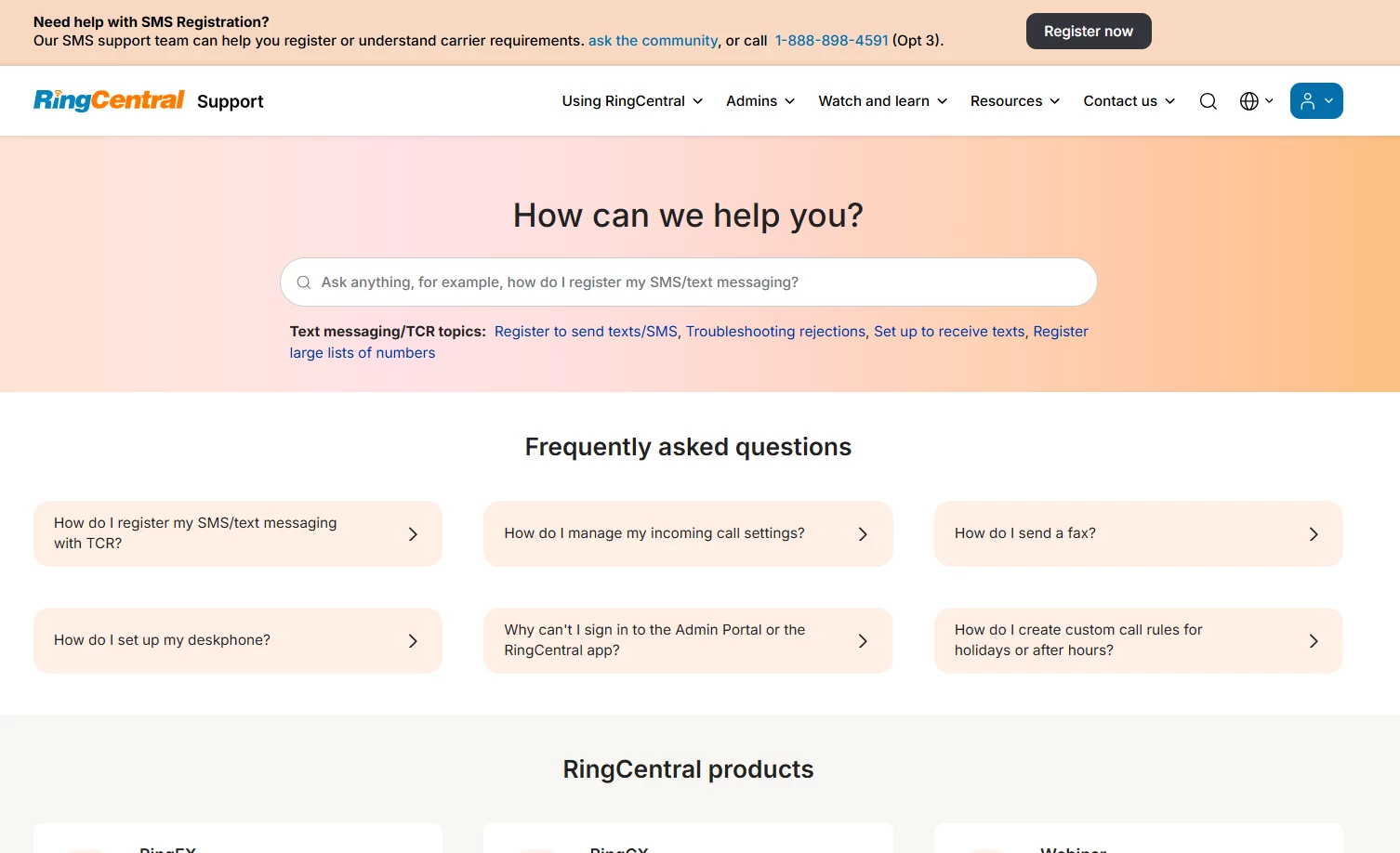
Pro-Tip: Use the Search Bar first! Most common setup questions (like "How to change my voicemail greeting") have a visual guide ready for you, saving you a phone call to tech support.
Where to find it: support.ringcentral.com
❓The RingCentral App "Help" Button: Answers at Your Fingertips
Did you know you don't even have to leave the app to get help? The Help Button (usually found via the question mark icon) is your shortcut to instant assistance.
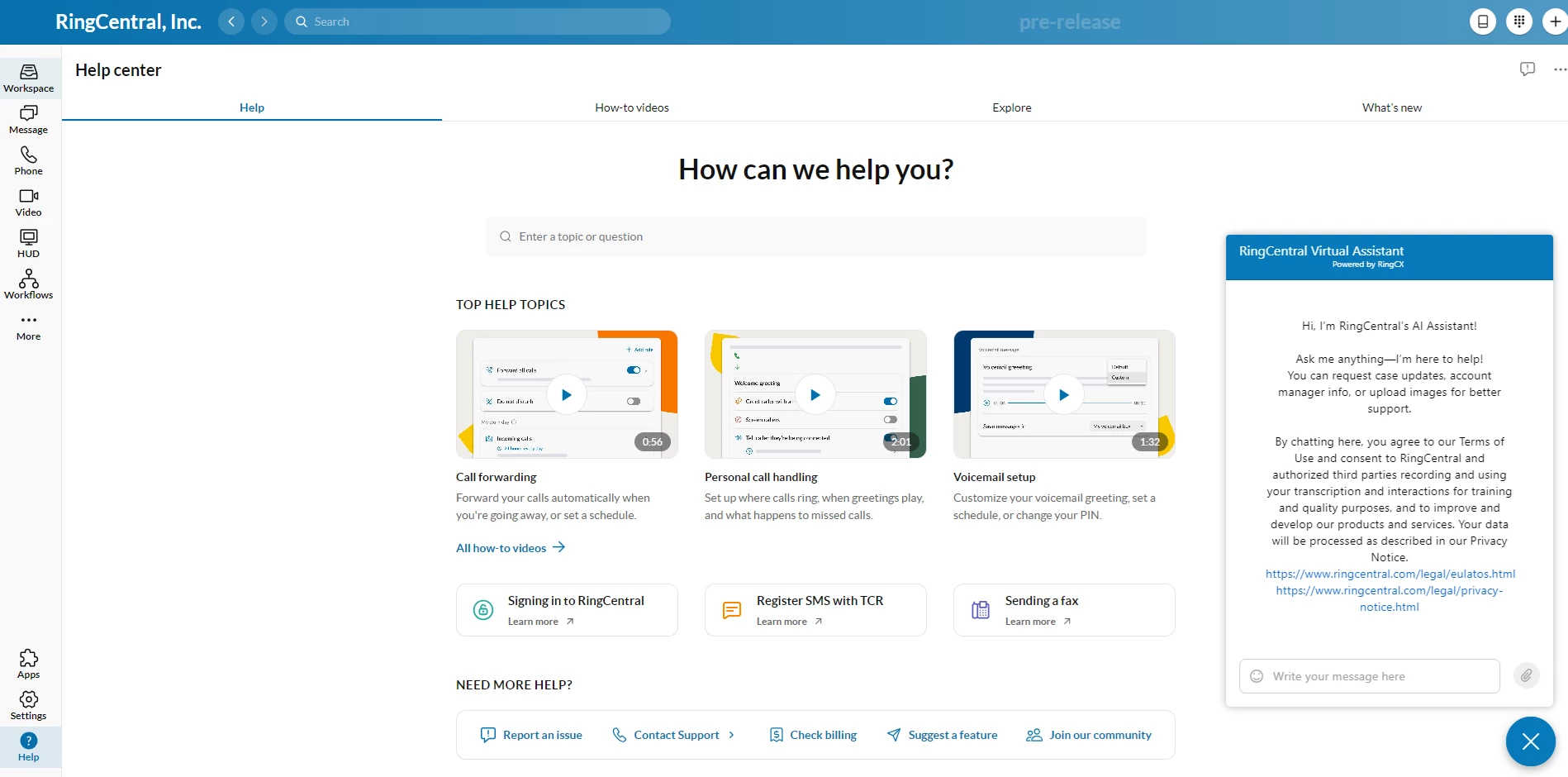
Pro-Tip: Once you click Help at the bottom left of the icon you’ll be able to see top help topics videos that can help you with the setting up your app or even your account.
Where to find it: Look for the (?) icon at the bottom left or top right of your RingCentral desktop or mobile app.
💡RingCentral Ideas Portal: Shape the Future of the Product
Have a feature request? Wish a button was in a different place? The Ideas Portal is where our product team listens to you. You can submit new ideas or vote on suggestions made by other users.
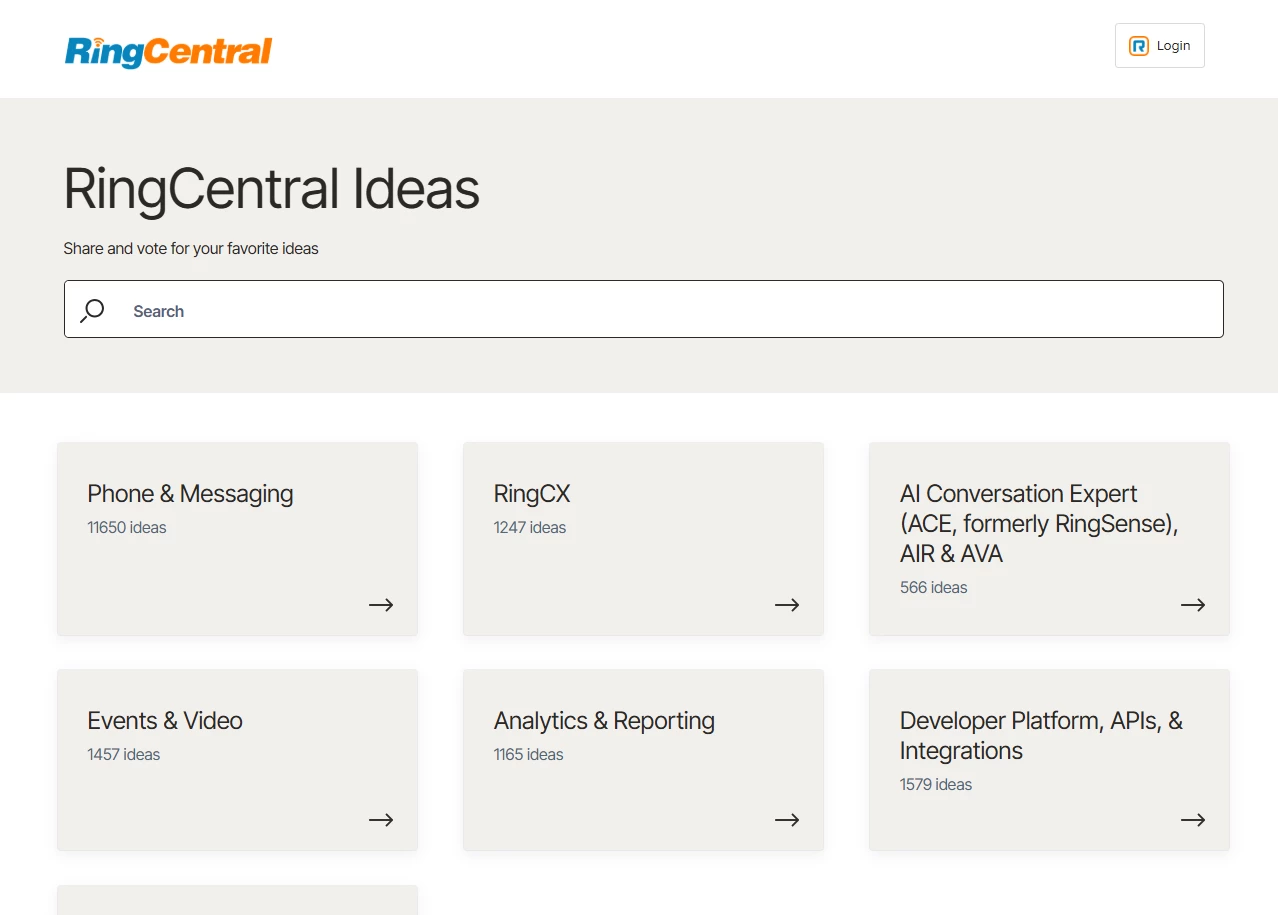
Pro-Tip: You can check on the planned features based on the product you’re interested in. In the ideas portal, just click the product you’re interested in then click status and choose planned. Your vote helps our developers decide which features to build first!
Where to find it: Accessible via the RingCentral Community and/or visit ideas.ringcentral.com
🤝 RingCentral Community: Connect, Share, and Grow
You’re already here! The Community is the best place to learn "real-world" workflows from other users. From industry-specific tips to networking with other IT professionals, users and RingCentral Experts this is the heartbeat of our user base.
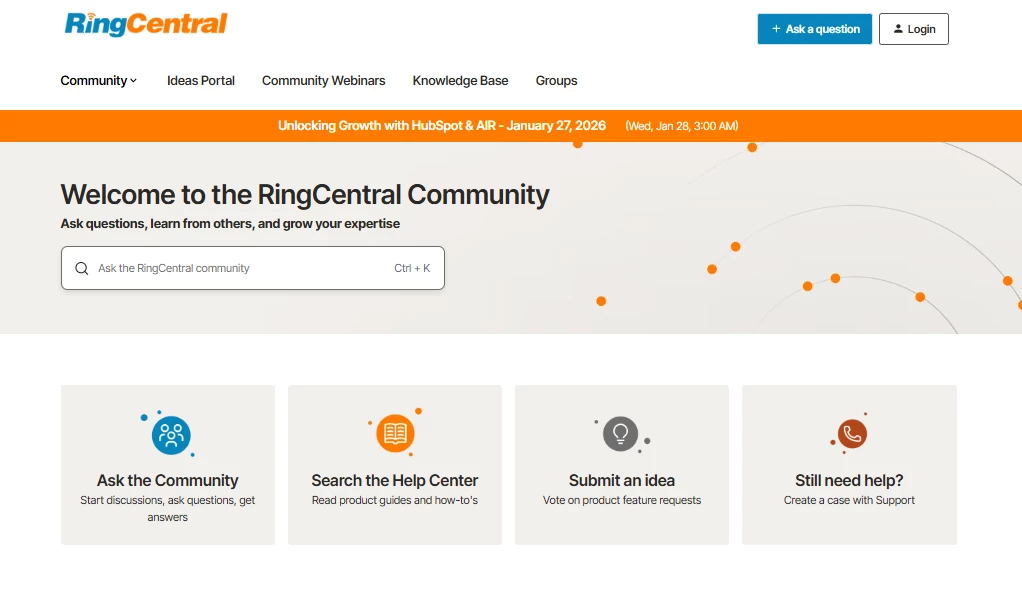
Pro-Tip: Think of the Community as your VIP shortcut to success. Before opening a support ticket, search the community forums to find peer-vetted solutions and expert advice that can get your team back on track in minutes instead of hours.
Where to find it: community.ringcentral.com
To further enhance your experience with these resources our amazing onboarding team created an interactive demo that will guide you on how to navigate and maximize each of these powerhouse resources.
We would love to hear from you! Do you have any questions or tips that you would like to share? Feel free to post it in the comments!