Answer

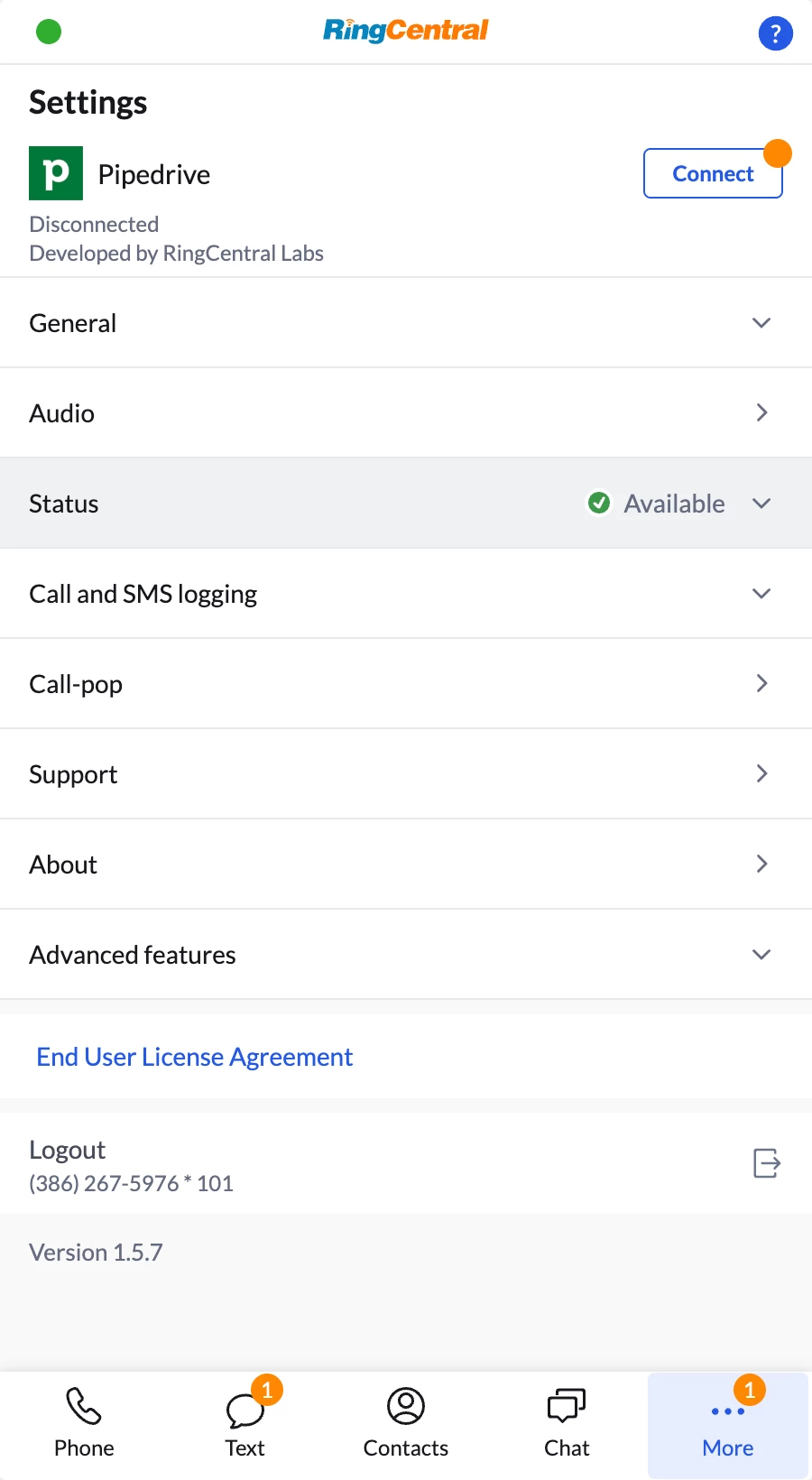
PipeDrive app says it's disconnected and that I need to sign in but it is connected

  • July 18, 2025
  • 3 replies
  • 104 views

Hi,


The title says it all. It says “Disconnected”, but when I click on connect it directs me to the Chrome Store to download the same app.

Thanks!


Best answer by dakong

@cmunchhof There was an issue on validating Pipedrive user sessions. It should now be fixed under version 1.6.0.

3 replies

ByrneReese
Community Manager
Forum|alt.badge.img+3
  • Product Manager
  • July 18, 2025

@YeahYeahYeah The pipedrive installation flow and experience is relatively unique. So the first thing I will recommend (even though you probably have already done this) is to watch our installation video:

https://ringcentral.github.io/rc-unified-crm-extension/crm/pipedrive/

In pipedrive, you install the Chrome extension, but then you need to also go to the Pipedrive marketplace and install/connect the app there as well. Then and only then will everything be connected. 

If you have tried this already, DM me and we can schedule a troubleshooting session together. 


  • New Participant
  • August 1, 2025

I had the same issue. I had to uninstall and then reinstall the extension to clear the error. The second installation I made sure to follow the video instructions exactly and believe I missed the screen I had to return to and refresh when I installed it the first time. 


dakong
Community Manager
  • Community Manager
  • Answer
  • August 4, 2025

@cmunchhof There was an issue on validating Pipedrive user sessions. It should now be fixed under version 1.6.0.