Answer

Setting up App Connect on multiple RingCentral tenants

  • September 10, 2025
  • 2 replies
  • 125 views

Hi Team

I have a tricky one. We have App Connect set up on our main RC tenant, which is linked to Bullhorn using server side connection. We use single sign on for RingCentral with Entra ID. No problem with any of this.

We have set up a second RingCentral for Taiwan (and soon to be a third for the USA), and need to link these tenants to Bullhorn as well. I am opening up the Taiwan RingCentral tenant through a private browser window to circumvent the SSO, and trying to open App Connect through the private browser session. However App Connect still opens in a normal session.

How can I configure App Connect for Taiwan without signing out my own App Connect session (and server side logging which has been set up on my session) and breaking the integration on our main tenant.

Thanks

Rian
Best answer by Embbnux

Hi Rian,

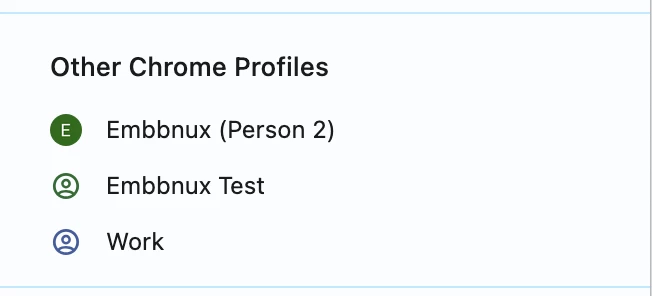
You can try different Chrome profiles by clicking user avatar in Chrome. It is more independent. You will need to install App Connect for different profiles.
 

Then you will need different Bullhorn account when you connect different RingCentral Account. Or it may cause Bullhorn session invalid issue for other account.

2 replies

Embbnux
Employee
Forum|alt.badge.img+1
  • Employee
  • Answer
  • September 11, 2025

Hi Rian,

You can try different Chrome profiles by clicking user avatar in Chrome. It is more independent. You will need to install App Connect for different profiles.
 

Then you will need different Bullhorn account when you connect different RingCentral Account. Or it may cause Bullhorn session invalid issue for other account.


  • Author
  • Known Participant
  • September 13, 2025

Thanks for the response ​@Embbnux 

Bullhorn set us up an additional API user for Taiwan, and I did the config in Windows Sandbox to work around our company policies restricting multiple browser profiles.

The integration looks to be working so far, thank you!