Question

Trouble connecting to RingCentral App Connect to Netsuite

  • April 29, 2026
  • 2 replies
  • 74 views

Hello, I’ve successfully connected RincgCentral App Connect for RingEX to my Netsuite SB4 environment, and testing went well.  Product looks good, features are nice, etc.  I’m ready to go into PROD.  Configured same way, testing with a custom role that has same permissions that worked in SB4, but I keep getting error ‘Could not load user information’.  I also get this error if I test with ADMIN, so I think it is not a Netsuite role permissions error.  Has anyone struggled with this before, and how did you resolve?

2 replies

sushilmall
Employee
  • Employee
  • April 30, 2026

Hi ​@Scott Kenyon 

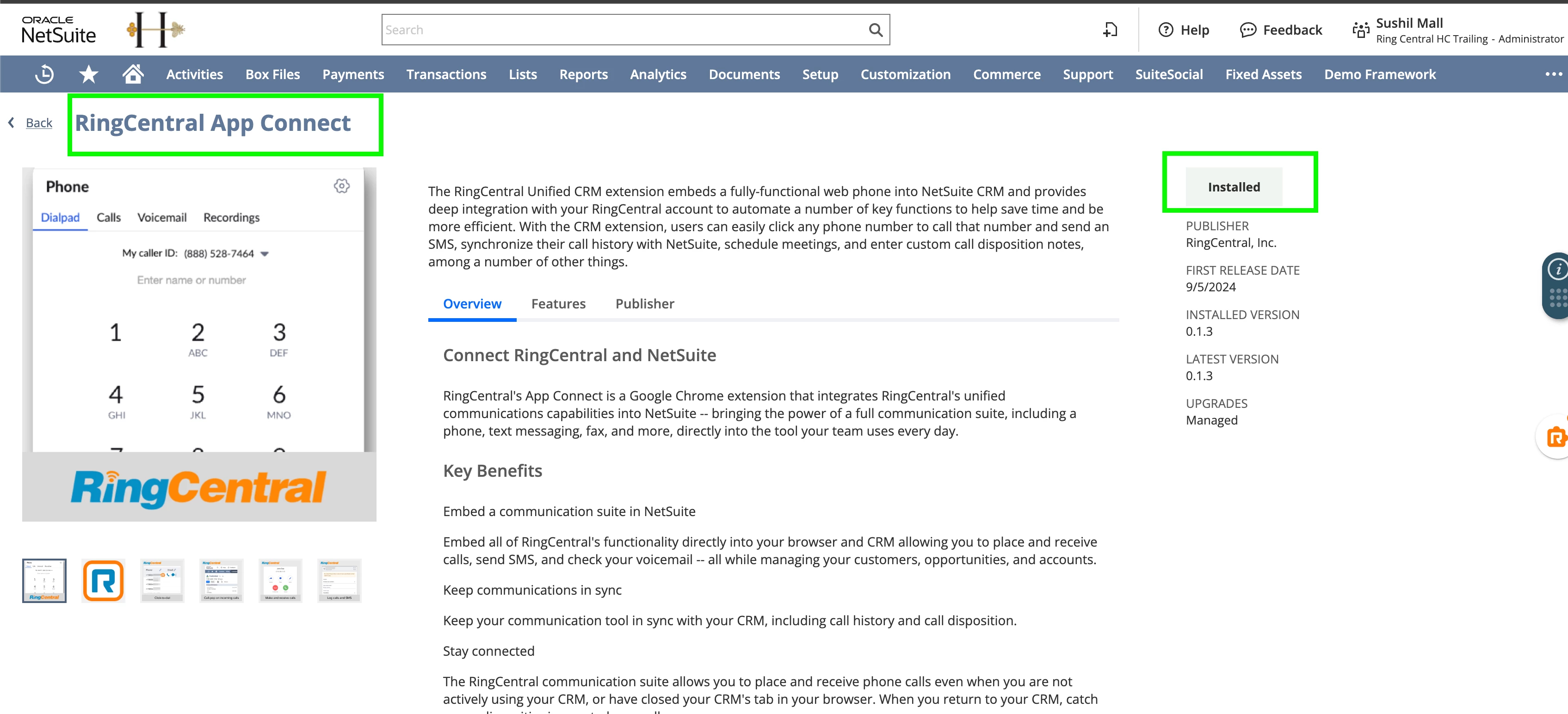
Could you check that you have installed the RingCentral App Connect Suite App from the NetSuite Suite App marketplace? If not, please install it.

If you still face issues while connecting, please share the Network and console log HAR file.


sushilmall
Employee
  • Employee
  • May 13, 2026

Hi ​@Scott Kenyon ,

The issue was that you tested App Connect with your Sandbox/test environment and moved to the production environment without clearing platform info. App Connect was still pointing to your Sandbox environment URL while you were attempting to use production authorization. That's why login was failing.

Note: Clearing platform info resolved the issue.

Steps to Clear Platform Info

Solution 1

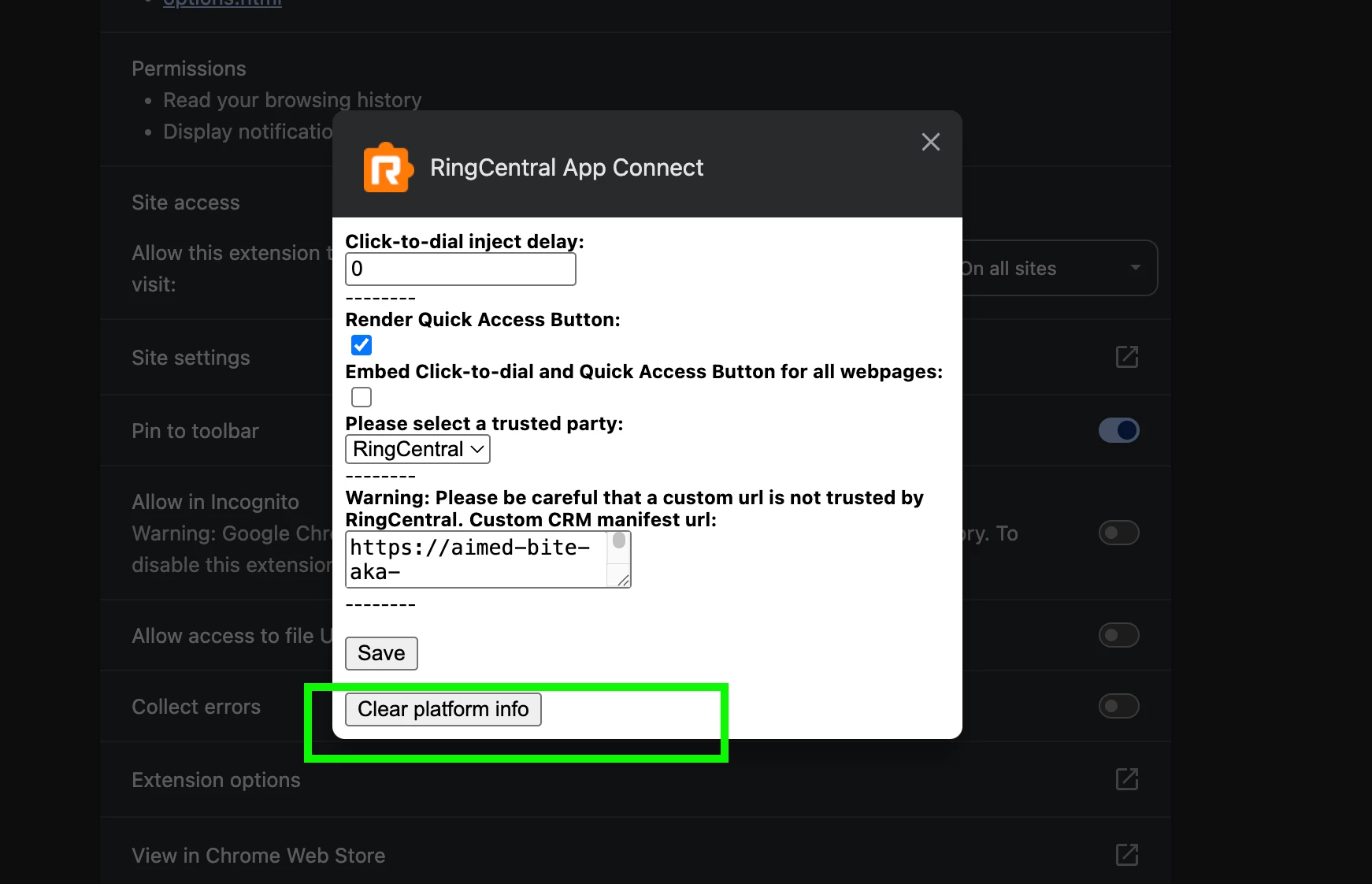
  1. Go to Chrome extensions
  2. Click on RingCentral App Connect details
  3. Under RingCentral App Connect details, open Extension options
  4. Click on Clear platform info button
  5. Now that the platform is cleared, go to your CRM and reload the page. App Connect will point to the current environment.

Solution 2:

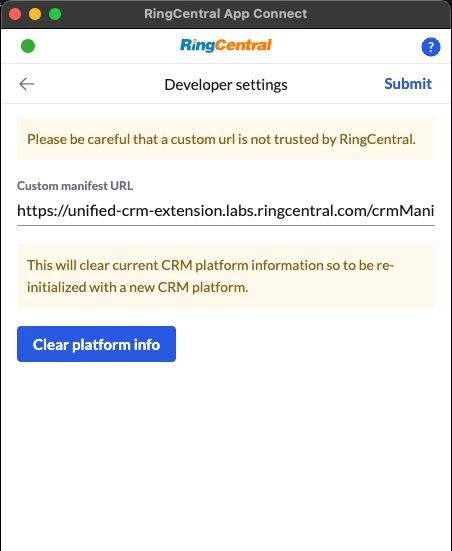
  1. Open App Connect
  2. Go to Settings and open Advanced features
  3. Enable Developer mode
  4. You will see Developer settings; open it.
  5. Under Developer settings, click on the Clear platform info button