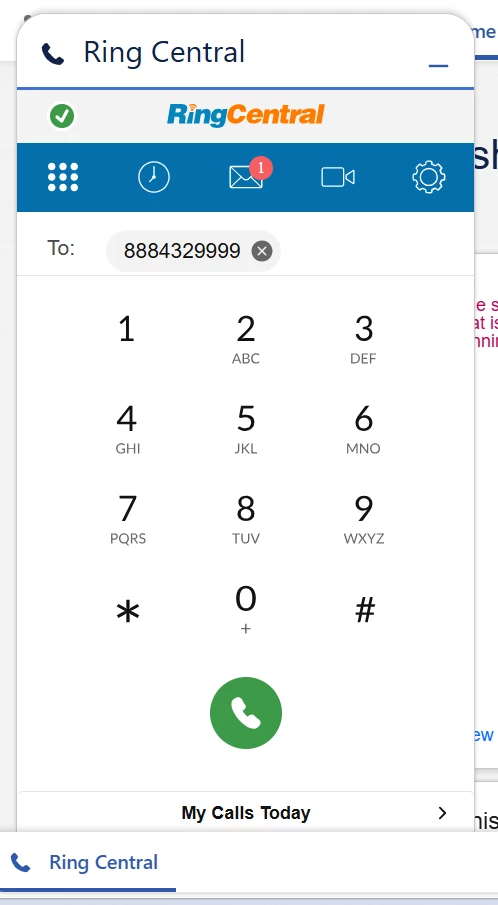
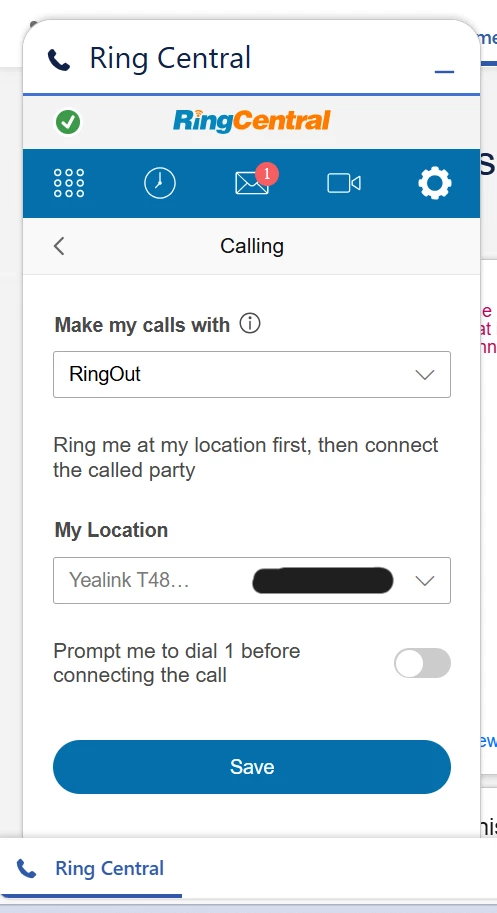
For some of our users, their RingOut setting in the Salesforce RingCentral pop up does not dial out to their desk phone.
If they go to click on a contact within Salesforce, the phone number will autofill to the keypad on the integration pop up but will not dial out anywhere - the green call button can be pressed but it does nothing.
We’ve checked that the RingCentral app is up to date, same with the browser and made multiple log in attempts but nothing seems to fix it.
Their settings are also identical to other users who are able to dial out without issue.