


Getting Started with Claude and ChatGPT
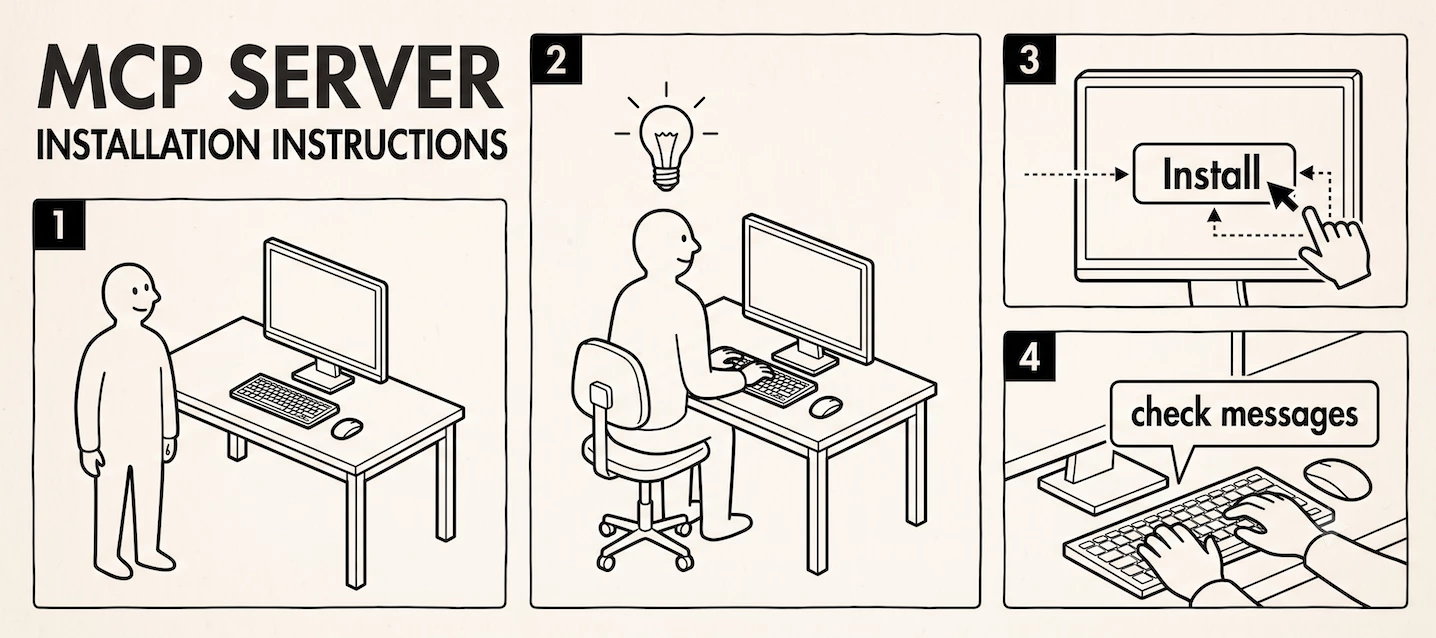
The single fastest way to bring RingCentral into your AI assistant is a plugin or connector — a couple of clicks, no code, no configuration. That's it. Once it's connected, the rest is just conversation: you ask for what you want in plain English, the same way you'd ask a coworker.
Here's the short version of how to connect each platform, and what to do the moment it's live.
ChatGPT: plugins
RingCentral publishes ready-to-install plugins for ChatGPT — one for Phone (calls, voicemail, SMS, fax) and one for Chat (team messaging). Install either from the ChatGPT plugin directory and you're connected; there's no manual setup required.
Full install steps live in the ChatGPT solutions page — we won't repeat them here since they're kept current there.
Claude: connectors
For Claude, the RingCentral Chat connector is available today from the Claude connector directory, also a couple of clicks to enable. If you're using Claude Code or Cowork, you can also download the RingCentral plugin, which brings in the full Skill Library — including things like reading back a voicemail, recapping a call, or drafting a follow-up email — rather than just the base connector.
Full install steps live on the Claude solutions page.
The fastest way to know it worked
Don't go looking for a settings screen to confirm the connection. Just ask it something. A few good first prompts:
- "Did I miss any calls today?"
- "Read me my most recent voicemail."
- "Catch me up on my team chat."
- "Who's the RingCentral contact for the support team?"
- "Draft a follow-up email for my last call with [name]."
If you get a real answer pulled from your actual account, you're connected and ready to go. From here, the Skill Library is the best place to see everything else that's possible.
If you hit a snag
Can't find the plugin or connector at all? This is common enough that we've written up a dedicated answer — see the knowledge base article on finding, accessing, and installing RingCentral's MCP.
Your organization won't let you install it? Plenty of companies restrict who can add plugins or connectors, and that's a perfectly reasonable policy, not a mistake on anyone's part. If that's the situation you're in, the right move is to contact your system administrator — they can get it enabled for you, or set it up on your behalf. Don't try to work around it. And if you're wondering whether there's still a way to use RingCentral's MCP servers without a plugin at all, we've covered that too in the knowledge base.
Welcome aboard — once you're connected, the rest of this community is here to help you get more out of it.