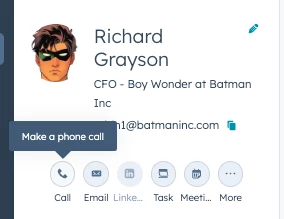
Unfortunately at the moment while the phone call option appears in the action items for contacts, there is no equivalent text button
To start a text or refer to a conversation instead you’d have to look for it in two areas:
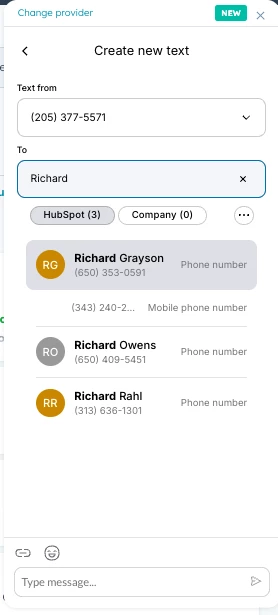
The phone integration: The phone icon will open our integration dialer and text messages can be found in here to start or read existing conversations - the integration indexes the contacts so you can just search by name or number :
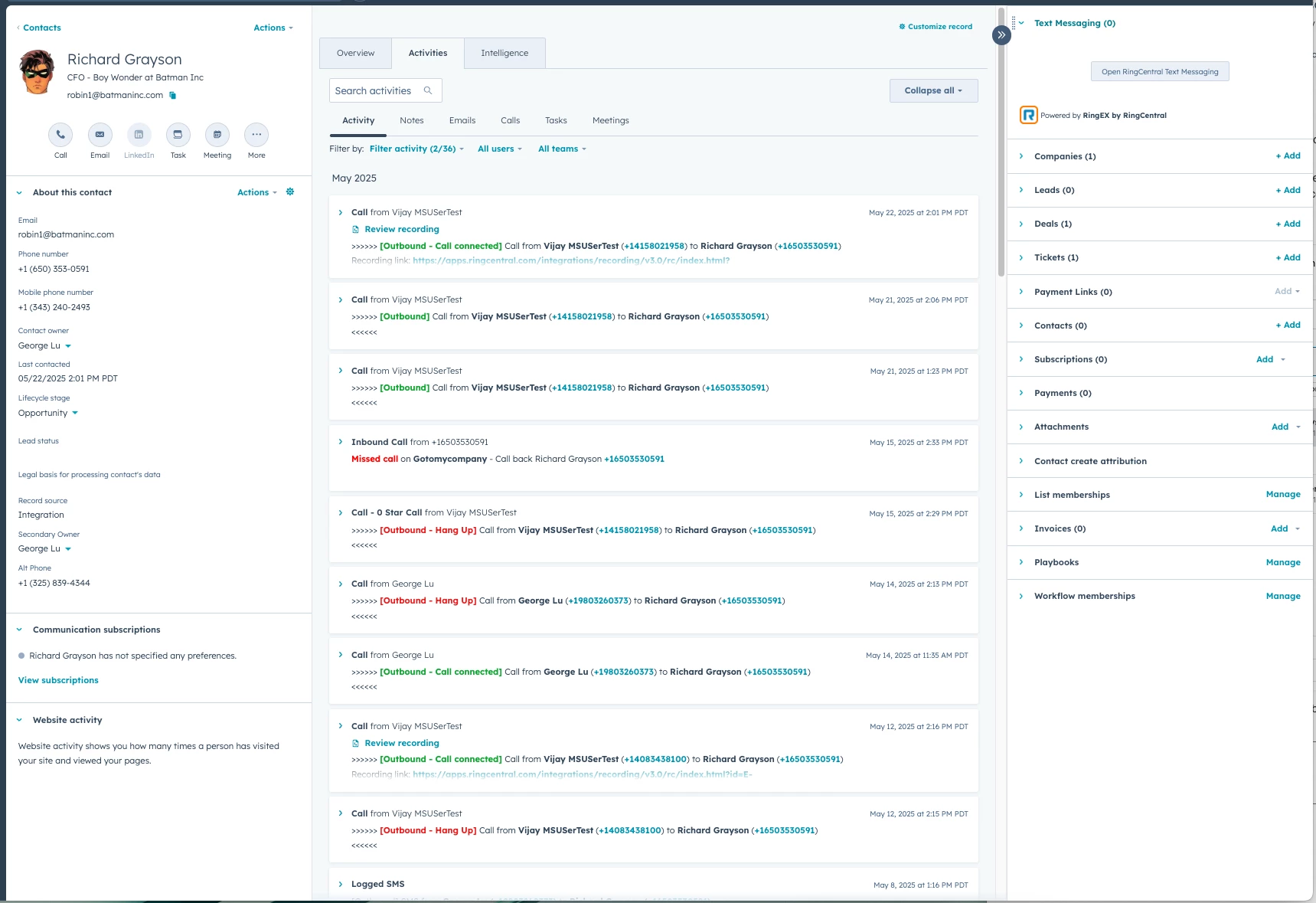
Or you can add a “Text Messaging” Card to the sidebar of the contact page:
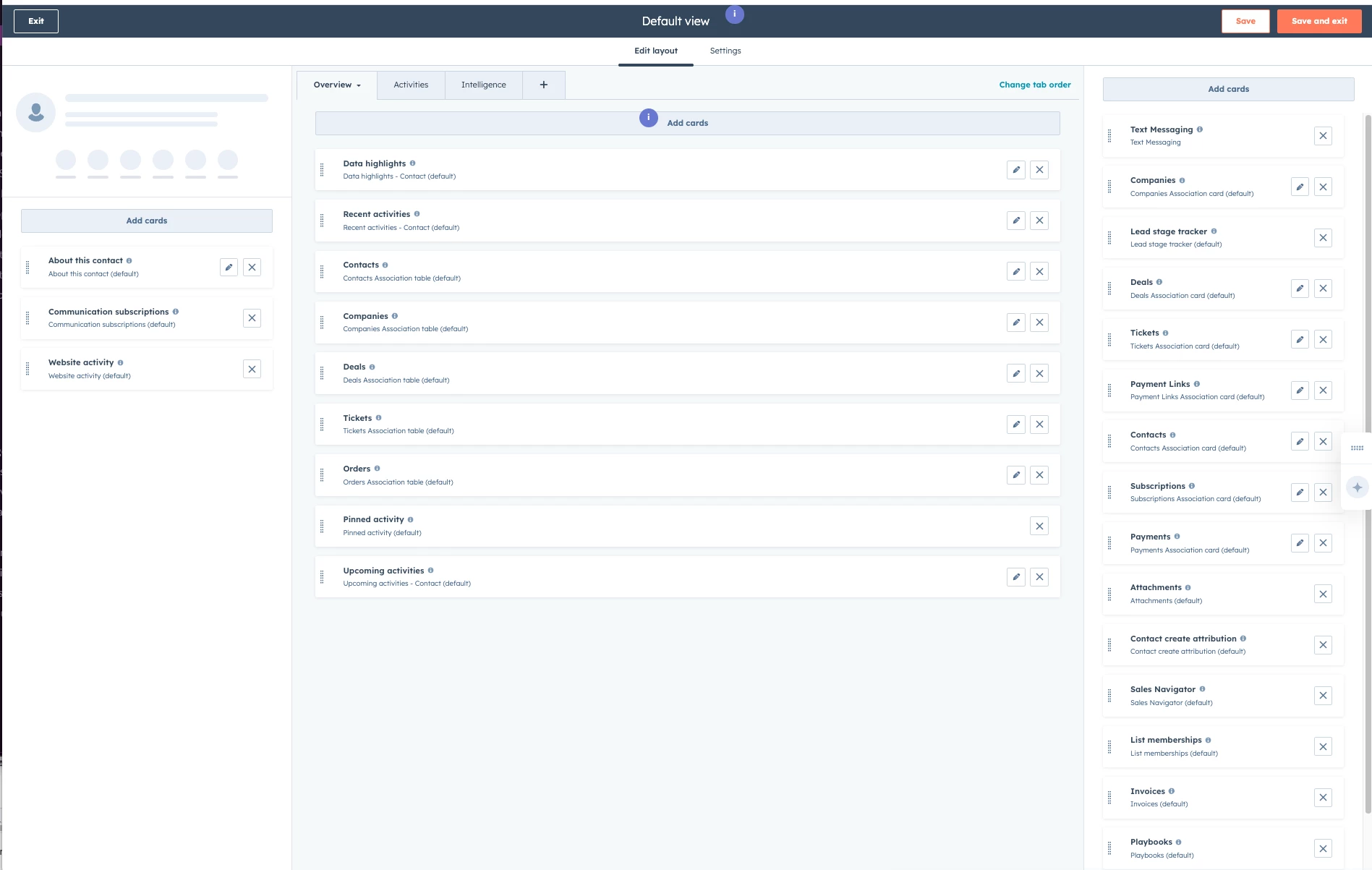
If its not there - you might need to go into the record customization → click on the corresponding layout → and drag the “Text Messaging” card all the way to the top to prioritize it.
Unfortunately at the moment while the phone call option appears in the action items for contacts, there is no equivalent text button
To start a text or refer to a conversation instead you’d have to look for it in two areas:
The phone integration: The phone icon will open our integration dialer and text messages can be found in here to start or read existing conversations - the integration indexes the contacts so you can just search by name or number :
Or you can add a “Text Messaging” Card to the sidebar of the contact page:
If its not there - you might need to go into the record customization → click on the corresponding layout → and drag the “Text Messaging” card all the way to the top to prioritize it.