


Question
How to access Polycom VVX GUI via IP after Povisioning? Need Admin Password to make changes.
We used to be able to access the GUI for changes by going to:
EX: https://192.168.1.67/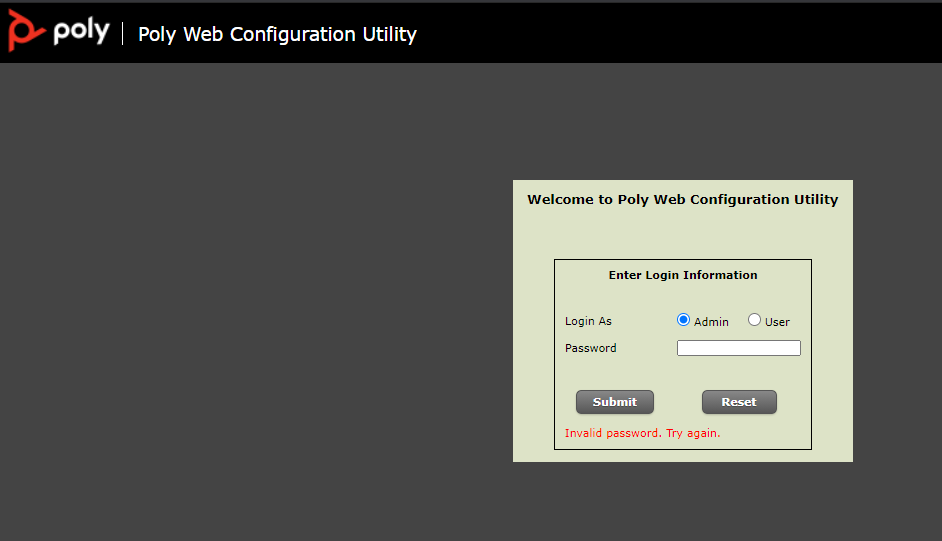
This password was:
- 456
- 72227
- MAC Address?
- Secret URL ###: "admn803864912024pwd" from ---> https://voicemanager.businessconnect.telus.com/application/company/phones/803864912024/details
But not we cannot get in, has there been an update that has changed how to access it?
I know I can still perform a hard reset by following this KB: https://support.ringcentral.com/article/Third-Party-Polycom-Phone-Not-Accepting-Default-Password.html
But this is not the solution because once the phone is provisioned we cannot make changes.
Please advise as we have a client who is wishing to change some soft keys and we need to access this.
Thank you in advance,
JB