



The First Step
September 16, 2021
Question

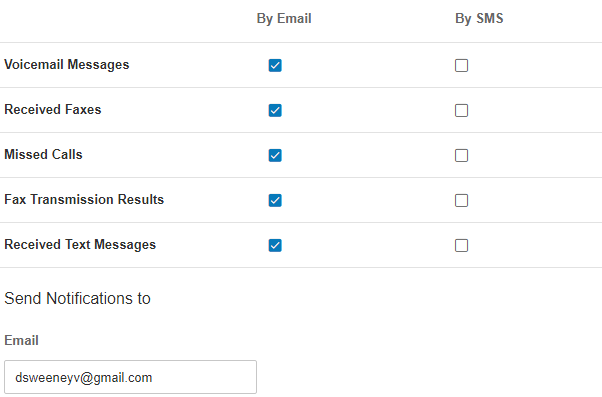
Need to have received faxes sent to the email address listed in Messaging Notifications.

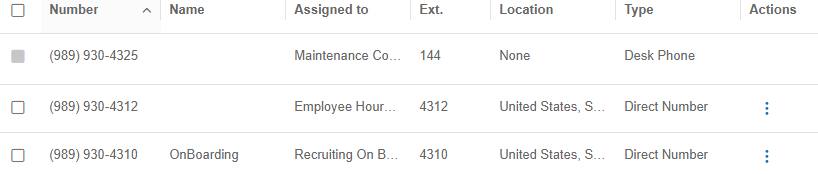
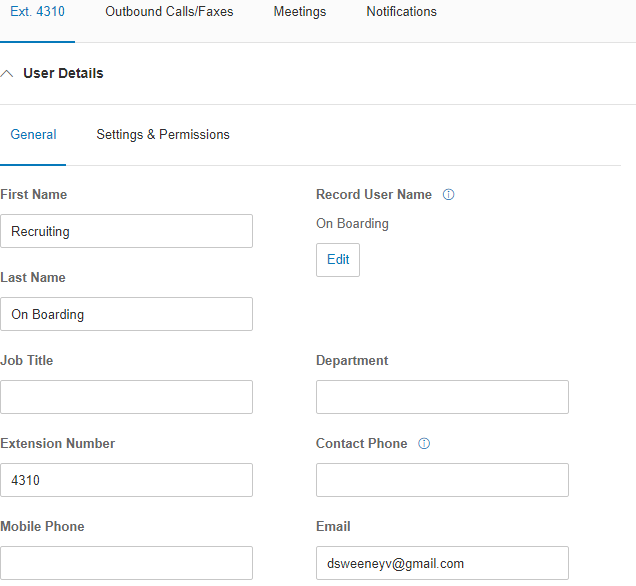
Number 989-930-4310 is a direct-dial number to our On-Boarding/Recruiting Department. We also have the group set up as a User with Extension 4310. What do I need to do in the Ext 4310 Notification Settings to get faxes sent to 989-930-4310 also emailed to the group's email account? I've tried adding it and testing but it doesn't work... the faxes show sent but no emails are going through.
1631822145142.png


1631822298366.png


1631822359007.png


4 replies

The First Step
September 16, 2021

"You can also send a a copy of the fax message sent as a .pdf file to your email. You can do this by enabling this option on the Advanced Notifications section of your RingCentral Online account. "

Ref:-

https://support.ringcentral.com/article/fax-where-can-view-received-faxes.html

https://support.ringcentral.com/article/5-10-Editing-your-Extension-s-Notification-Settings.html#advanced

Mary-Community_Moderator
Community Manager
Community Manager
September 17, 2021

Hi David, were you able to see the received fax in the extension's web portal or app?

dvanestThe First StepAuthor
The First Step
September 17, 2021

Thanks Anirban, but I tried all of this before submitting my original message. But thanks for making the suggestions!!!

Joe Cache
RingCentral VIBE Royalty
September 17, 2021

RC has a gremlin running amok in their fax routing - we've had this issue since February as well.
Their 'workaround' is to put the email address in the authorized to send email - even though it should be from the same email address - sometimes it just 'forgets.'
1631899492697.png

Under Outbound Calls/Faxes - Fax Settings - at the bottom.
Add the same email address to that field and save... send a test.