



The First Step
October 7, 2021
Solved

User imported via API not showing 'Conference' tab


When a user is added manually via the web gui, the 'Conference' tab is shown on the User page under 'Phones & Numbers':
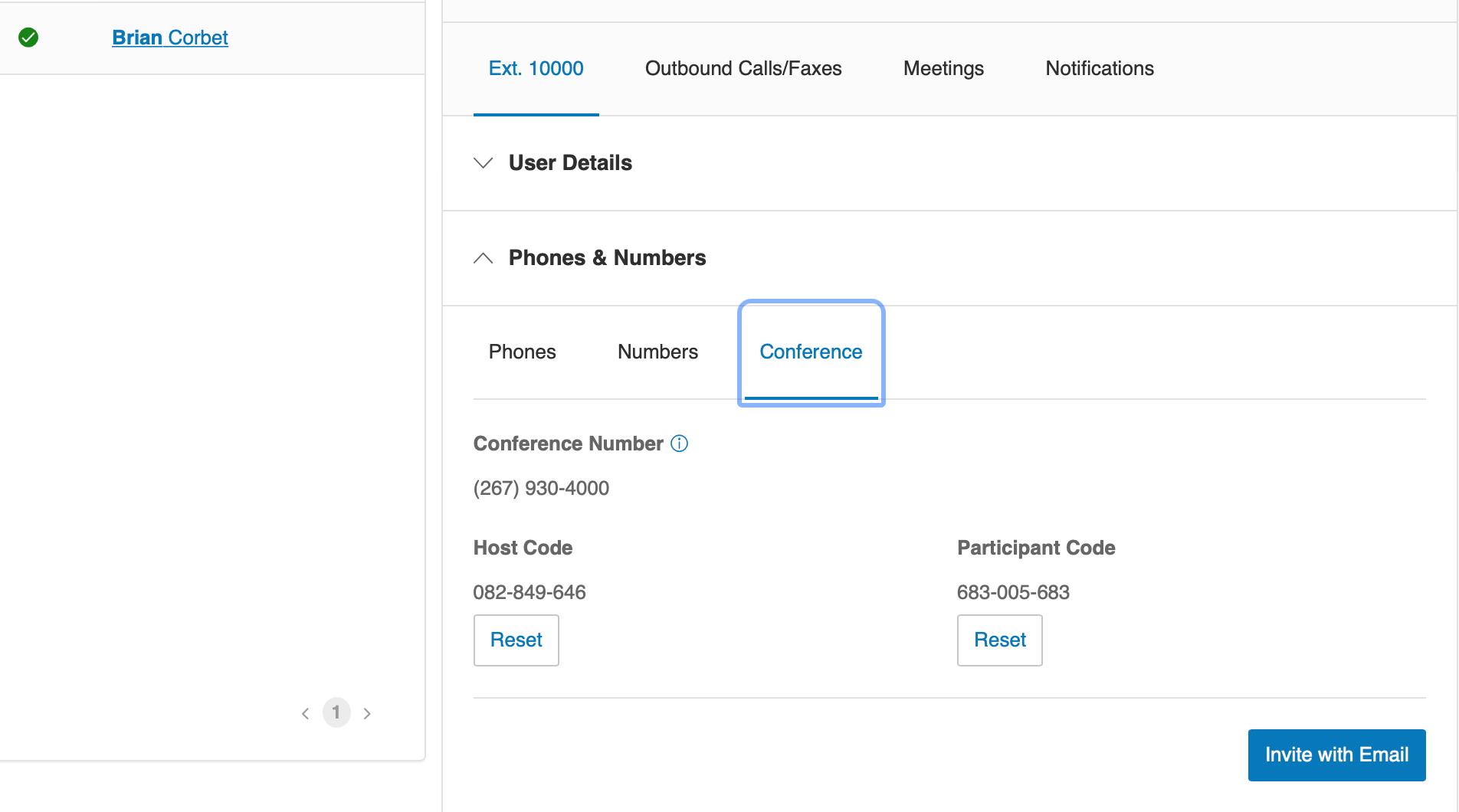
rc-conference001.jpg


When a user is added via the API with 'Create Extension' or 'Update Extension', the 'Conference' tab is not there:
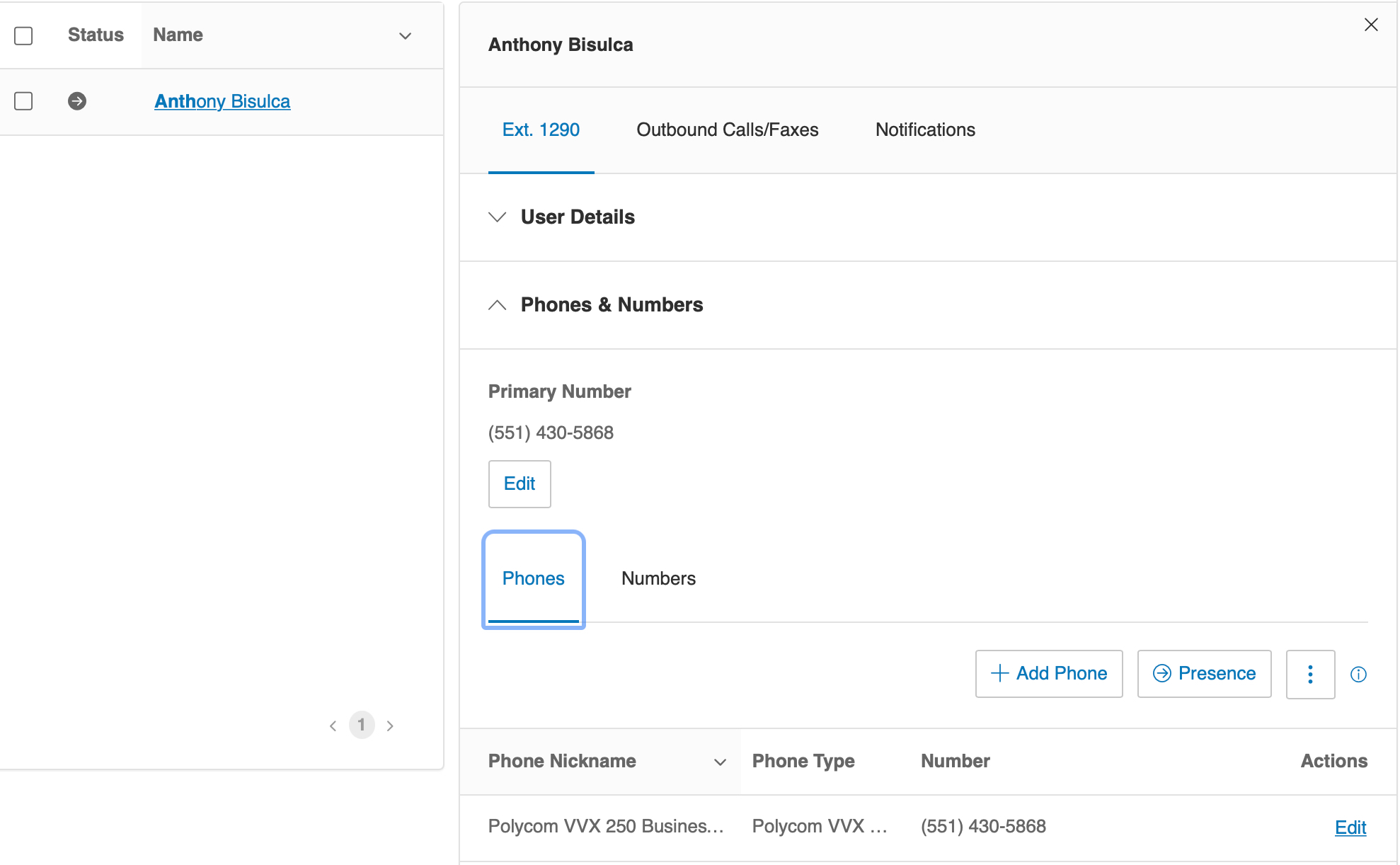
rc-conference002.jpg

I've also tried calling the 'Update User Conferencing Settings' API and it returns a successful 200, but the 'Conference' tab still does not show up in the gui. Is there someway to make that tab appear in the gui when importing users via the API?

Thank you!

    PhongVu
    PhongVuAnswer
    Community Manager
    October 7, 2021

    It's not about creating an extension via API or the service Web GUI. It is about if a user extension has a digital line (a device) and the user extension has ben setup. If you create a new user extension w/o a device from the service Web, you won't see the Conference tab either.

    3 replies

    The First Step
    October 7, 2021

    What if you do a logout and login in the online console? Are you able to see?

    PhongVu
    Community Manager
    PhongVuAnswer
    Community Manager
    October 7, 2021

    It's not about creating an extension via API or the service Web GUI. It is about if a user extension has a digital line (a device) and the user extension has ben setup. If you create a new user extension w/o a device from the service Web, you won't see the Conference tab either.

    The First Step
    October 8, 2021

    Thanks Phong - after activating the user the Conference tab showed up.