
Now available: RingCentral Phone and Chat connectors for Grok
Hey Friends 👋
I'm excited to share that the RingCentral Phone and RingCentral Chat connectors are now available in Grok. This builds on the ChatGPT and Claude connectors we launched in September. Your RingCentral conversations now work in all three, so your team can use whichever AI they prefer.
What the connectors do
- RingCentral Phone gives Grok your call history, AI call notes, voicemails, SMS threads, contacts and company directory. It can also draft and send texts for you.
- RingCentral Chat brings in your RingEX team messaging: spaces, posts, tasks, notes and events. It can catch you up on threads, create tasks and post updates.
Try asking Grok:
- "Which voicemails and texts from customers this week still need a reply? Rank them by urgency."
- "I'm calling Acme in 10 minutes. Summarize every call and text we've had with them this quarter."
- "Summarize what I missed in #launch-team since Monday. Decisions first."
- "Combine my unanswered customer texts with what the team discussed in chat, and give me a prioritized to-do list for today."
With both connectors on, Grok sees the customer conversation and the internal one together.
How to set it up
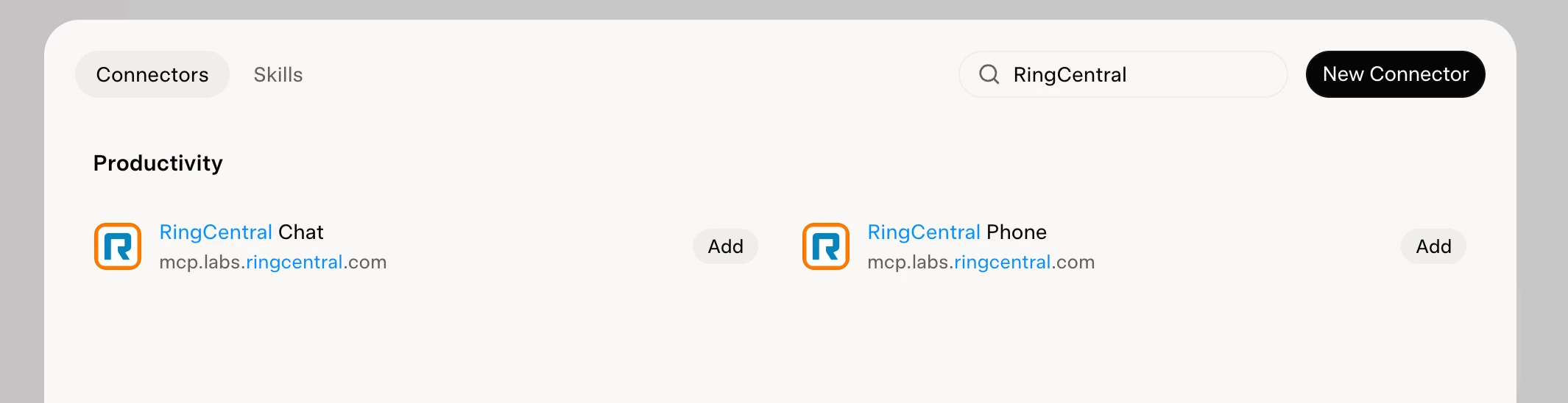
- In Grok, go to Connectors and search for RingCentral.
- Click Add next to RingCentral Phone and RingCentral Chat.
- Sign in with your RingCentral account and approve access.
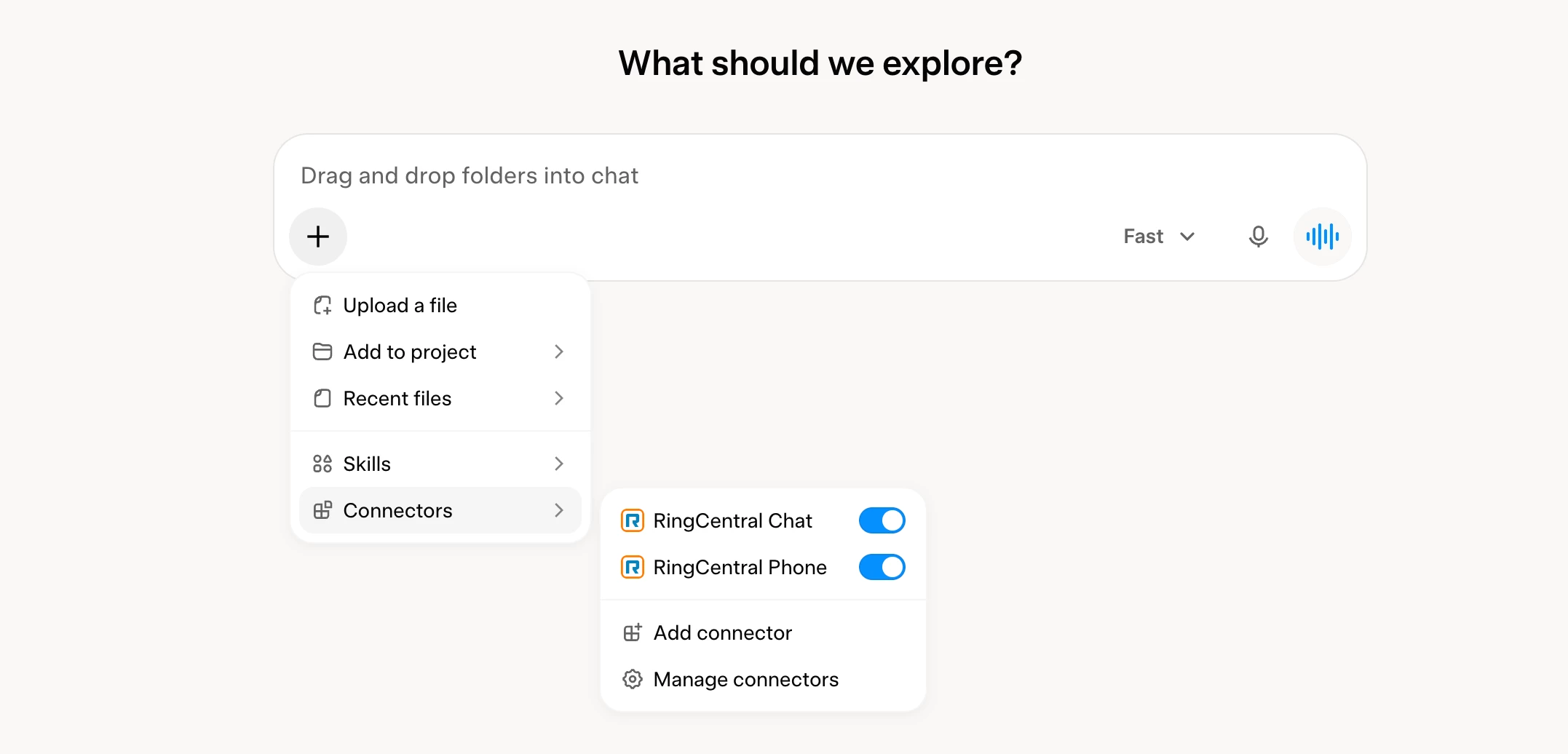
- In a new chat, click + → Connectors and make sure both are toggled on.